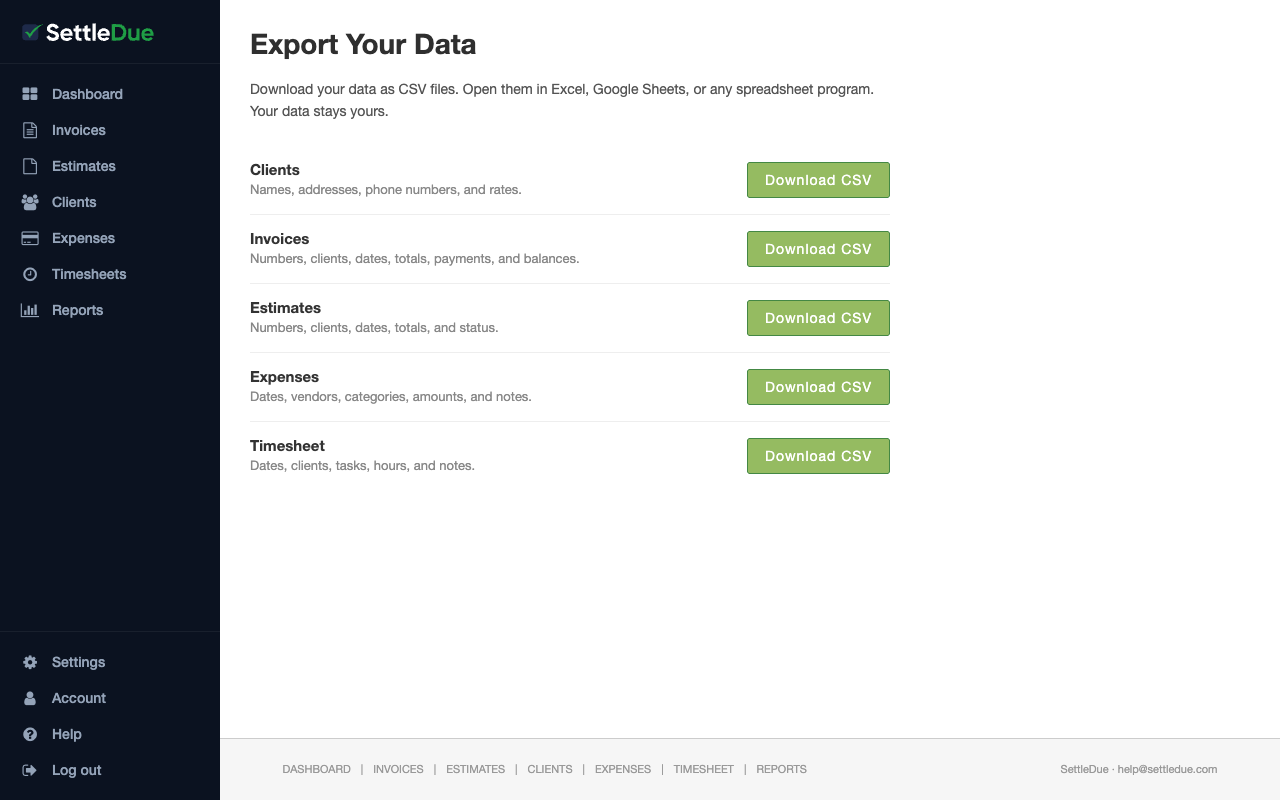
You can download your data as CSV files at any time. Open the files in Excel, Google Sheets, or any spreadsheet program. Your data stays yours.
Available exports
SettleDue lets you export five data types:
Clients — names, addresses, phone numbers, and rates.
Invoices — numbers, clients, dates, totals, payments, and balances.
Estimates — numbers, clients, dates, totals, and status.
Expenses — dates, vendors, categories, amounts, and notes.
Timesheet — dates, clients, tasks, hours, and notes.
Export your data
Go to Account and click Export your data. You can also go directly to the Export page from the sidebar.
Find the section for the data type you want.
Click Download CSV.
Your browser downloads the file. Open it in your spreadsheet program.
The Export page. Click Download CSV next to the data type you want.
Exports work at any time. There is no limit on how often you can download your data.
Re-import your exports
The CSV files you export use the same format as the import templates. You can re-import them into SettleDue without changes. See Import data from CSV for details.