When a sent invoice goes past its due date, SettleDue sends automatic payment reminders to your client. You do not need to set anything up. The system handles it for you.
If the due date passes and the invoice still has a balance, the system sends a reminder email to the client contact.
Reminders repeat every 7 days until the invoice is paid in full.
Reminders only go out for sent invoices with a due date and an unpaid balance. Draft invoices do not trigger reminders.
What the client receives
The reminder email tells the client that the invoice is overdue. It includes:
The invoice number.
The original due date.
The amount still owed.
A link to view the invoice online.
How to stop reminders
Reminders stop automatically when the invoice balance reaches zero. To stop reminders on a specific invoice, record the full payment. (See Record payments.)
Track reminder delivery
Reminder emails appear in the Email Activity section on the invoice edit page. You can see when the reminder was delivered and whether the client opened it.
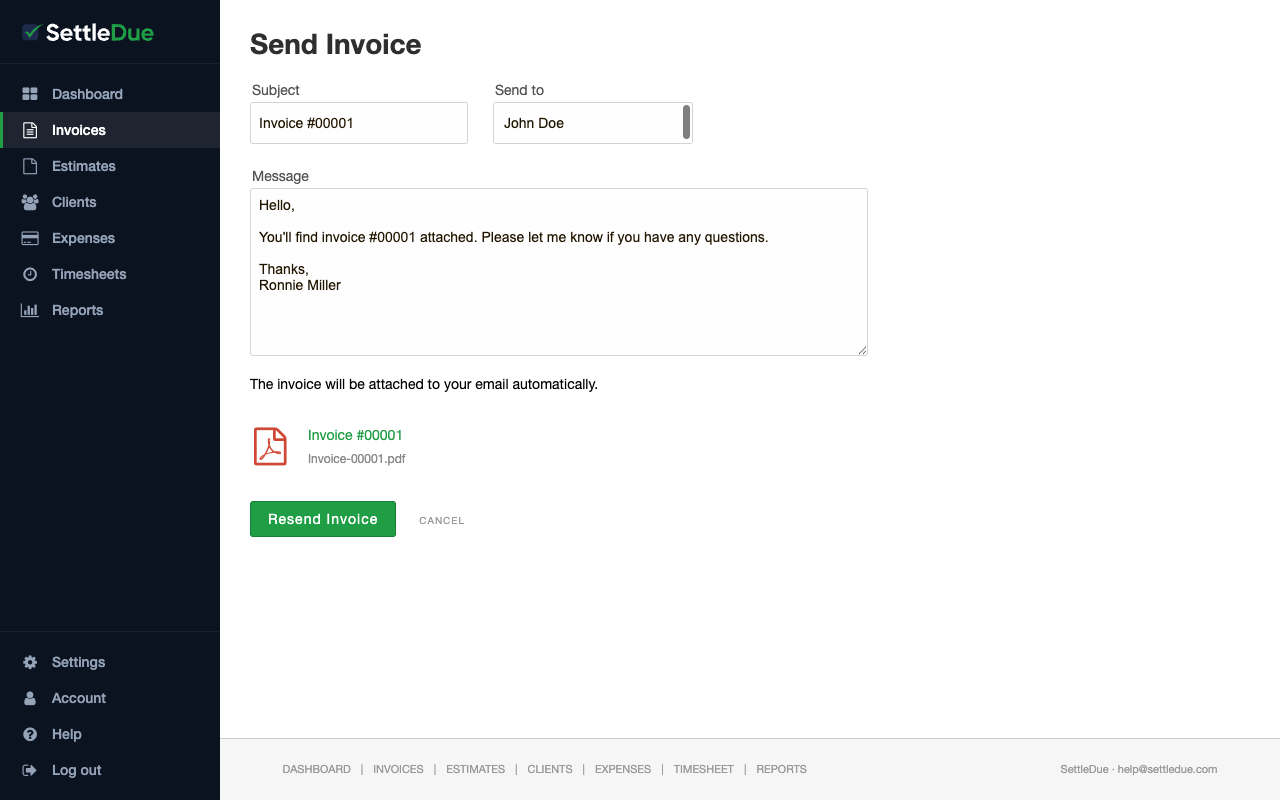
The Send Invoice page. Sent invoices with a due date will trigger automatic reminders if they become overdue.